
Brick Freedom connects to your Brick Owl store with an API key. The first time you connect, nothing is synced straight away: you first review how your Brick Owl store compares with your Brick Freedom inventory.
Create an API key on Brick Owl
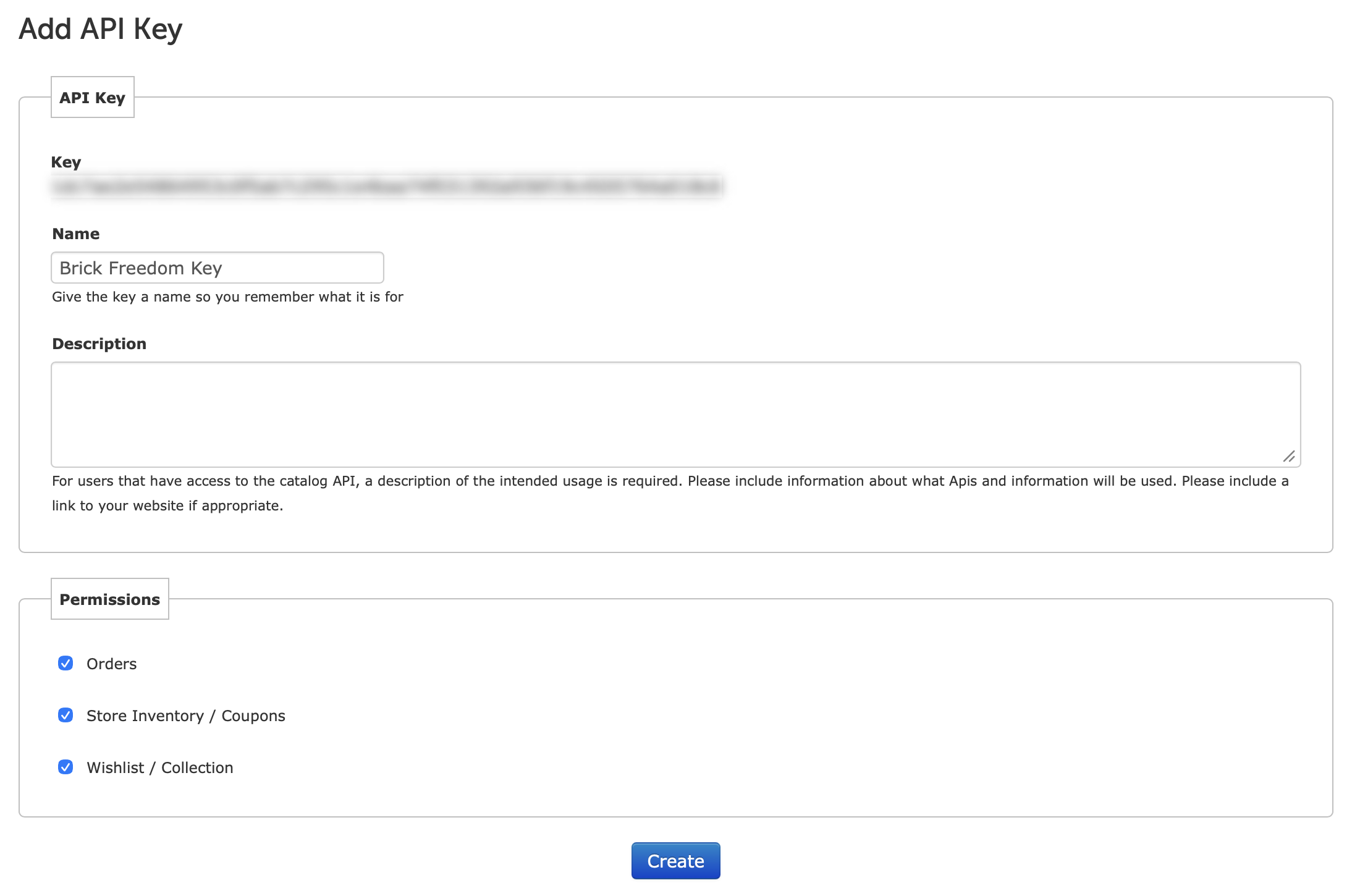
- Sign in to Brick Owl, open your account and select the API tab.

- On API Keys, select Add API Key.

- Brick Owl shows the new Key at the top. Copy it.
- Give the key a Name you will recognise, such as Brick Freedom. Description can be left empty.
- Under Permissions, tick all three: Orders, Store Inventory / Coupons and Wishlist / Collection.
- Select Create.
Warning
Anyone with this key can change your Brick Owl store. Keep it private, and enter it only in Brick Freedom.
Connect Brick Owl in Brick Freedom
- Open Platforms and select Connect next to Brick Owl.
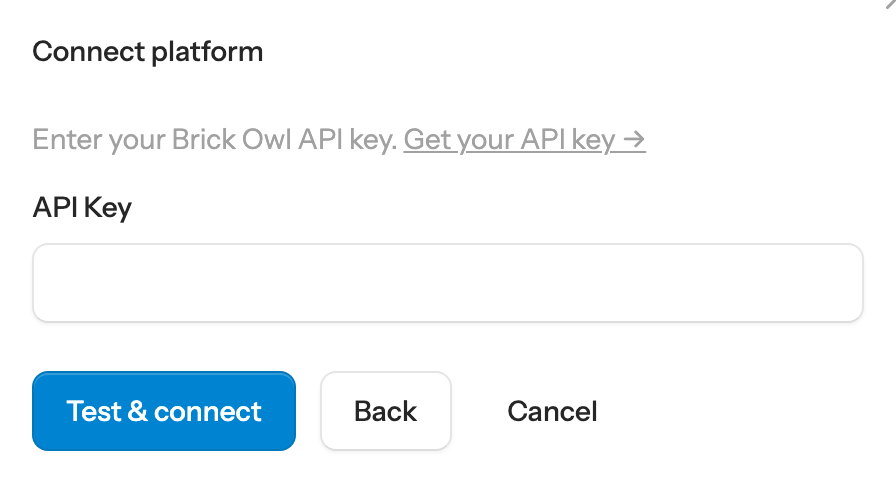
- Paste the key into API Key and select Test & connect. Get your API key in the dialog opens your Brick Owl account.
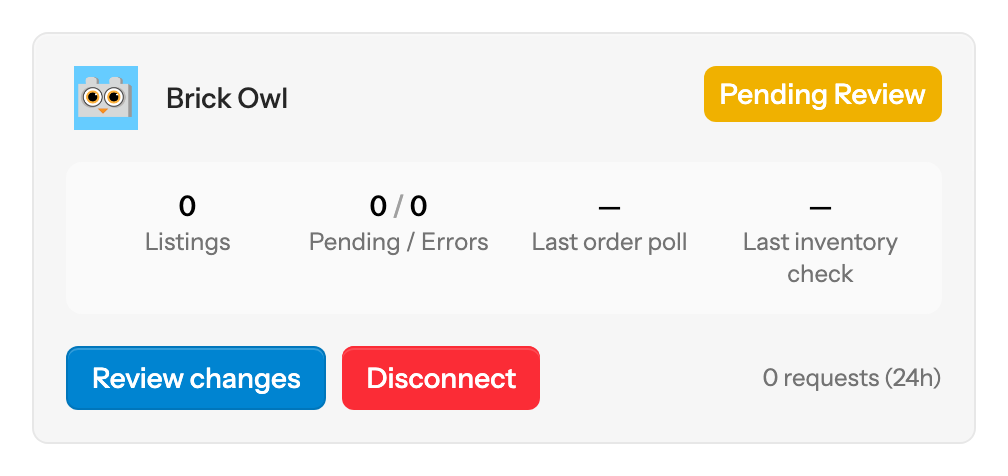
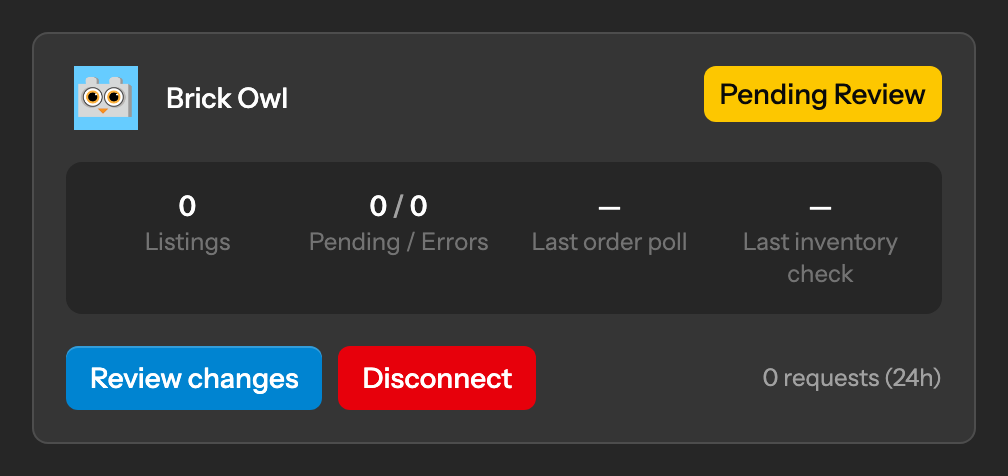
Brick Freedom checks the key with Brick Owl, then compares your Brick Owl store with your Brick Freedom inventory. Until you have reviewed that comparison, the Brick Owl card shows Pending Review: nothing is sent to Brick Owl and no Brick Owl orders are fetched. Select Review changes to start.
Reviewing your Brick Owl inventory before the first sync
Lots without a Brick Owl match
Brick Owl has its own catalogue. A lot is listed on Brick Owl only once Brick Freedom has matched its BrickLink item to a Brick Owl item. Lots it cannot match wait on Unmatched Items, where you can suggest the right Brick Owl item.
Unmatched Items (Brick Owl matching)
Changing your key later
Enter a new key under Credentials on Brick Owl's settings page in Platforms.
BrickLink and Brick Owl platform settings
Troubleshooting
- Brick Owl did not accept the API key. Check you copied all of it, and that all three permissions are ticked.